Lesson B102.10 · Business Finance 102: Bank-Ready
Payments and fraud controls
5-minute read · Figures checked October 2026
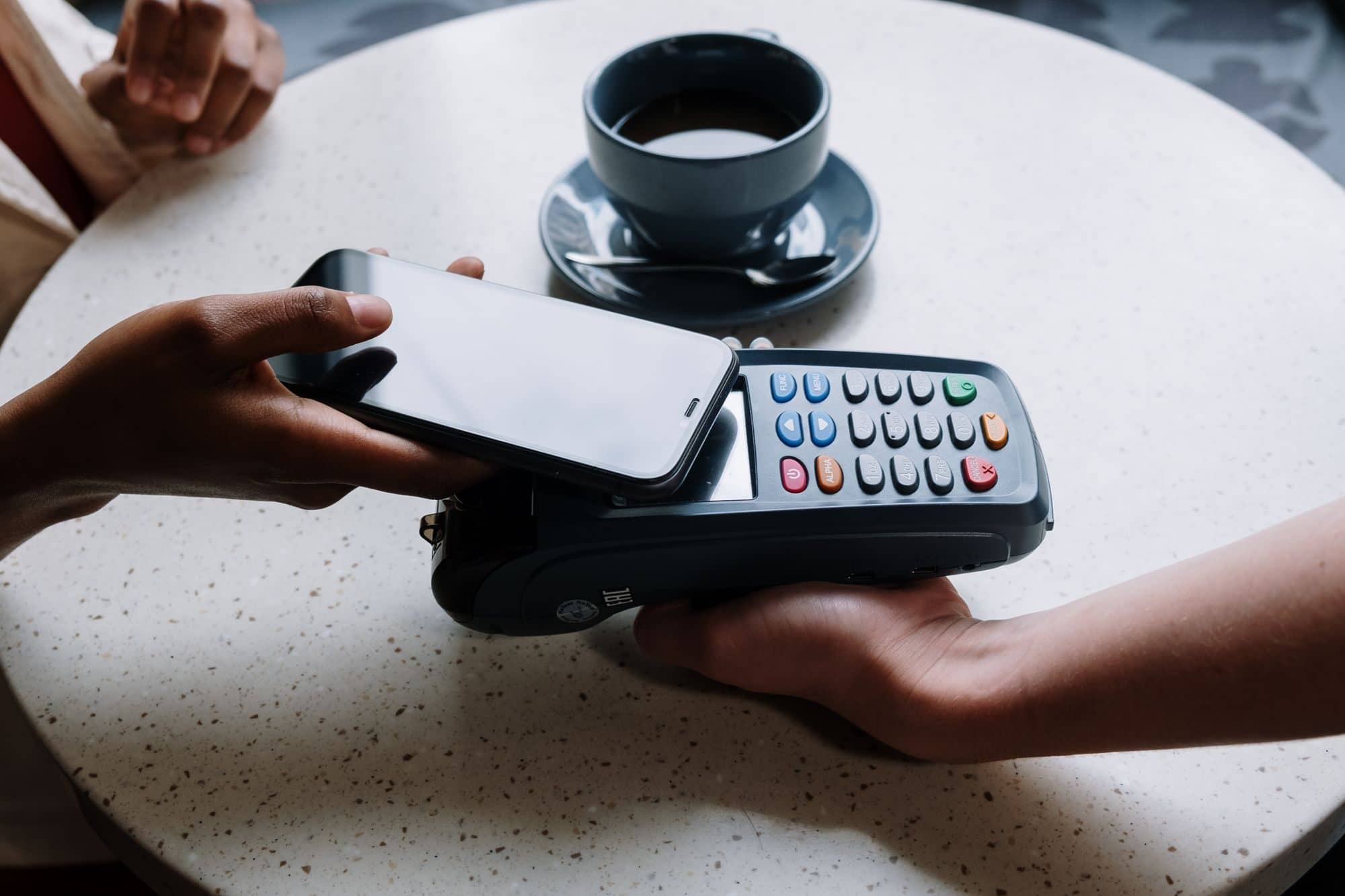
Photo: cottonbro studio / Pexels, Pexels License
The short answer
Turn on your bank's fraud controls: positive pay for checks, ACH blocks or filters, alerts and dual approval. Confirm any request to change bank details by calling a number you already have, never one in the email. Limit who can move money and how much, protect your mail and email, and reconcile every week. A business account doesn't get the consumer protections a personal account has, so speed matters.
What's hitting businesses
In a 2026 survey by the Association for Financial Professionals, 76% of U.S. organizations faced attempted or actual payments fraud in 2025. Checks were hit most (58%), then ACH debits (30%) and wires (25%), and about 74% saw business email compromise: a real or faked email account used to send fake payment instructions. The FBI logged 24,768 business email compromise complaints in 2025, with about $3.05 billion in losses.
Checks also get stolen from the mail. The Treasury's Financial Crimes Enforcement Network (FinCEN) warns that thieves take checks from blue collection boxes and unsecured mailboxes, then "wash" them with chemicals to change the payee and amount, or copy the account details onto counterfeit checks.
Controls to ask your bank for
| Control | What it does |
|---|---|
| Positive pay | You send the bank a list of the checks you wrote. Any check that doesn't match is held for you to approve or return. |
| ACH debit block | Rejects every electronic debit to that account, even ones you want. A filter is the middle ground. |
| ACH filter | Lets through only electronic debits from companies you approve. |
| Alerts | Texts or emails for payments over a set amount, new payees or a login from a new device. |
| Dual approval | One person sets up a payment, and a second person approves it. |
| Payment limits | Caps on each payment and each day, set person by person. |
Ask what each control costs, and put positive pay on any account you still write checks from.
The call-back rule
Any request to change where money goes gets a phone call to a number you already have on file: a supplier's "new bank account," a crew member's new direct deposit, or a customer who wants a refund sent somewhere new. Never use the phone number or link in the email. Write the rule down and give it to everyone who pays bills, and turn on two-step login for email and banking.
Example (made-up numbers). Lena gets an email from the sealer supplier's real address: "We've changed banks. Please send this week's $18,400 payment to our new account." She calls the supplier's office using the number on last month's invoice. The supplier never sent it. Someone had taken over their email.
Checks, cards and who can move money
- Write fewer checks. Pay suppliers electronically with controls on. If you do mail checks, hand them in at the post office counter instead of leaving them in a mailbox or collection box.
- Card chargebacks. On every card job, keep the signed estimate, change orders, completion photos and the customer's sign-off, and answer chargeback notices by your processor's deadline.
- Who can move money. Write down who can pay bills and up to what amount. The person who pays the bills shouldn't be the only one who checks the account.
- Reconcile every week. Match every payment out against what you approved. Fraud caught in days is easier to stop than fraud found at month-end.
Business accounts have fewer protections
The federal consumer rules for unauthorized electronic transfers cover accounts set up mainly for personal, family or household use. A business account runs on your account agreement and state law instead, and the agreement sets how fast you must report a problem. Read yours, and call the bank the same day you spot anything wrong. Report email compromise and online fraud to the FBI at ic3.gov.
Your Move
Do this week
- Call your bank and turn on positive pay, or ACH blocks or filters, on your operating account.
- Turn on alerts for payments over an amount you choose, and two-step login on banking and email.
- Write your call-back rule and give it to everyone who pays bills.
- Write down who can move money and the limit for each person.
Log it: Fraud controls on and call-back rule set.
Common questions
What is positive pay?
A bank service that matches each check presented against the list of checks you wrote. Anything that doesn't match is held until you approve or return it.
What should I do if I paid a fake invoice?
Call your bank right away and ask it to stop or recall the payment, then report it at ic3.gov. Every hour counts.
Are business accounts protected like personal accounts?
Not the same way. The consumer rules cover personal accounts. Your account agreement and state law set the rules for a business account, so read the agreement and report problems the same day.
Watch out for
- "New bank details" emails, especially right before a big payment.
- Urgent messages from "the owner" asking for a wire or gift cards.
- Checks left in a mailbox overnight.
- One person who can set up, approve and check payments alone.
Free help
- FBI Internet Crime Complaint Center: report business email compromise and online fraud at ic3.gov.
- Small Business Development Centers (find your SBDC) and SCORE: free help setting up payment controls.
Free practice
Lesson check
5 questions on this lesson, one at a time, with the answer and the reason after each. Pass with 4 right, including every must-know question.
This is general education, not tax, legal, investment or insurance advice. Rules change and every situation is different. Check the sources below, and talk to a qualified professional before you act on it.
Sources
- Association for Financial Professionals: 2026 payments fraud survey
- FBI Internet Crime Complaint Center: 2025 IC3 report; ic3.gov
- FinCEN: Alert on mail theft-related check fraud (2023)
- CFPB: Regulation E, definitions
- America's SBDC: Find your SBDC; SCORE: score.org